This guide walks from an empty workspace to a live web widget. Follow it with your hosted Convoship account.
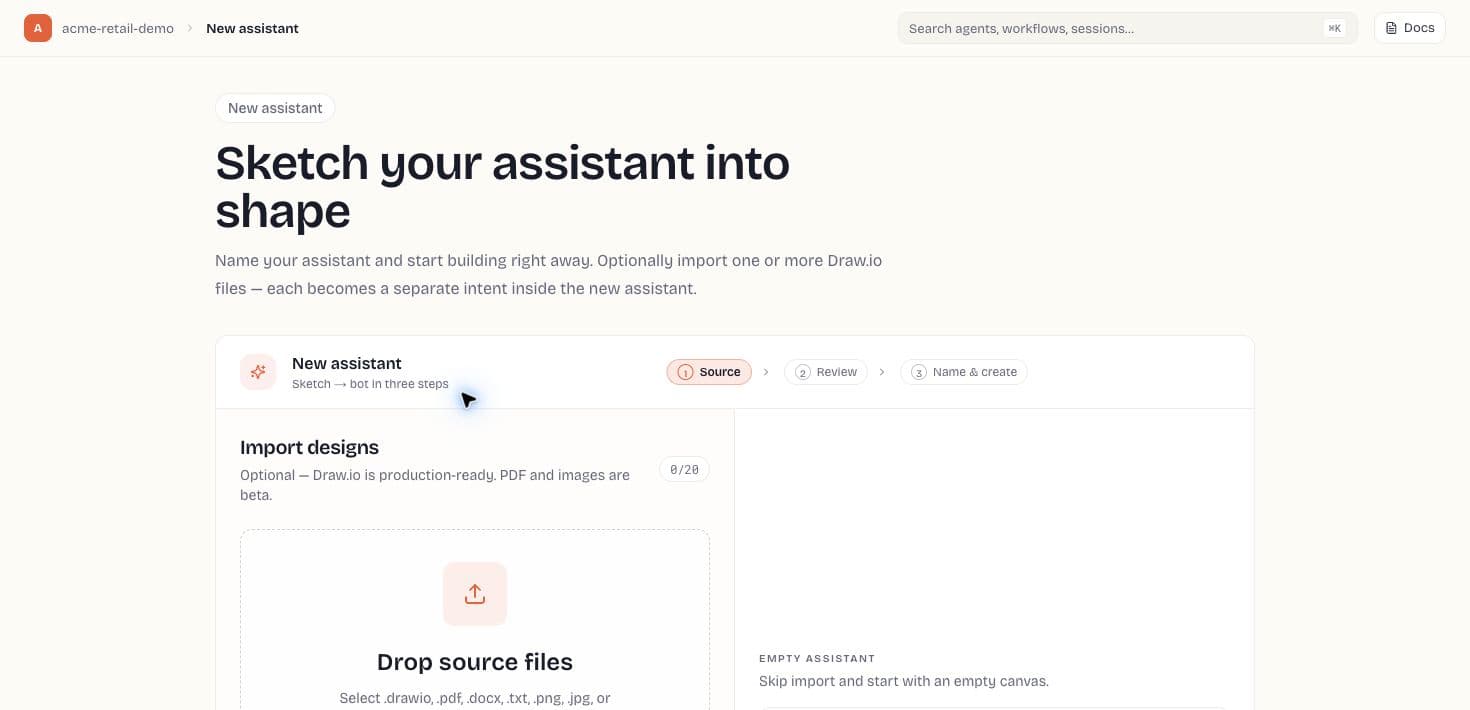
1. Create an Assistant
Open Assistants (/app/assistants) and click the Sketch → bot card. Choose Start blank or upload Draw.io / PDF / Word / image sources with optional AI extraction — see New assistant wizard and Import sources.
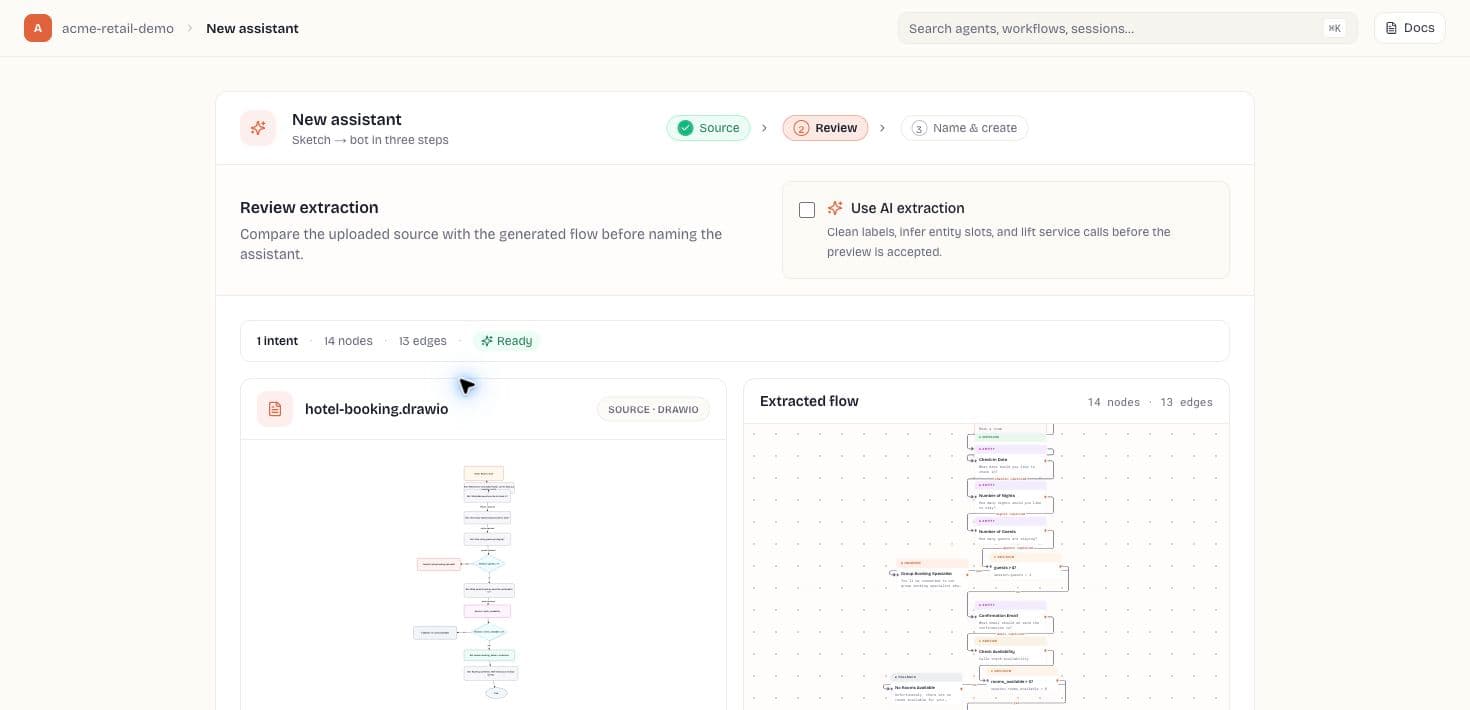
2. Add an intent and sub-flow
- Open Intents in the left rail and create an intent (e.g. check_balance).
- Add training phrases — one per line — such as "what is my balance" and "check balance".
- Open the intent to edit its sub-flow: drag Message and Entity nodes from the library, connect them, and configure prompts in the inspector.
3. Test
Use the floating simulator (bottom-right) or the Test tab to send utterances. The execution trace shows which nodes ran and which slots were filled.
4. Publish and deploy
- Open Publish and click Publish draft.
- Open Channels → New deployment, set allowed origins for your site, copy the cdp_* token.
- Paste the embed snippet on your website and load the Convoship embed script.
Pre-launch checklist
- Every user-facing message has final copy, not placeholder labels from imported diagrams.
- Required entities have prompts, reprompts, and validation examples.
- Tool nodes reference workspace secrets instead of literal credentials.
- Simulator traces show readable node names and expected slot values.
- Allowed origins include the exact production site origin before the embed goes live.